Deposit Confirmation
Instead of wondering if your bKash transfer went through, our FAQ explains exactly what confirmation screen to expect and how quickly the balance should reflect in your pbaji wallet after you enter your PIN.
We put together answers to the questions our account holders ask most often — from bKash deposits and withdrawal verification to navigating live tables and slots on mobile. If something isn't covered here, our support team is available through live chat.

Here is what changes when you read through our FAQ rather than trying to figure things out alone.
Instead of wondering if your bKash transfer went through, our FAQ explains exactly what confirmation screen to expect and how quickly the balance should reflect in your pbaji wallet after you enter your PIN.
Rather than refreshing your Rocket app repeatedly, the FAQ clarifies the verification step that happens on our side before funds are released — so you know where your withdrawal sits in the process.
If you are unsure why you received an SMS code or where to enter it, our FAQ walks through the one-time password step that protects your account each time you log in from a new device.
Switching from mobile data to WiFi mid-spin or mid-hand raises questions. Our FAQ explains what the lobby does automatically and when you need to rejoin a table manually.
Forgetting your password does not mean losing your balance. The FAQ shows you the exact recovery path using your registered mobile number and the OTP verification that follows.
Some account holders are unsure whether live dealer games from Evolution load on mobile browsers. Our FAQ confirms browser compatibility and what to expect from stream quality on a standard connection.
Finding a specific PG Soft or Pragmatic Play title in a full lobby can feel slow. The FAQ points you to the provider filter and category tabs so you reach your game in fewer taps.
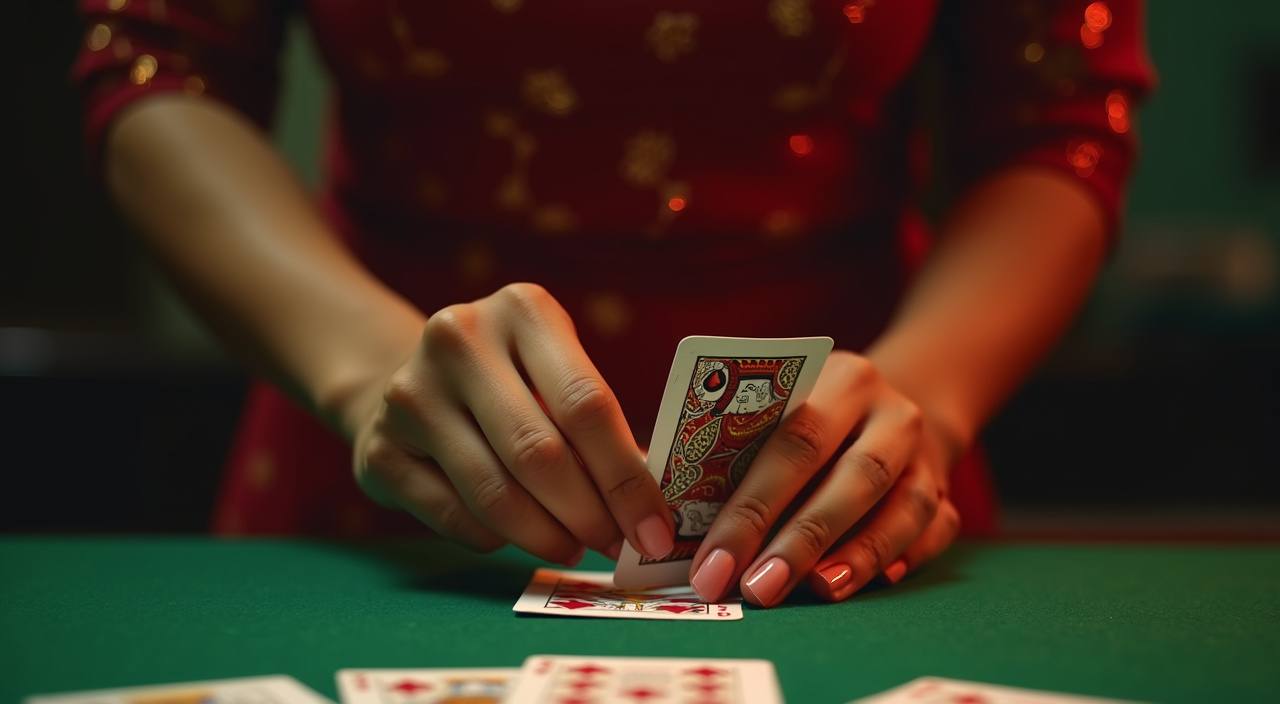
Every account holder hits a moment where they need a quick, clear answer — whether that's understanding how a Nagad deposit confirms, what happens during withdrawal verification, or how to switch between live baccarat tables and slot rooms on your phone without losing your session. We built this FAQ section around the real messages our support team receives daily through live chat
and email. You will find answers grouped around account setup, deposit and withdrawal processes using bKash, Nagad and Rocket, lobby navigation across devices, and how our live casino streams actually work from providers like Evolution and Pragmatic Play. Each answer is written to give you the concrete step or fact, not a vague pointer elsewhere. If your question sits outside what we
cover here, reach out through live chat — our team handles queries in English and responds during operating hours. We update this page as new questions come in, so check back if you tried something new on your account.
| Local payment methods supported (bKash, Nagad, Rocket) | 3 |
|---|---|
| Full lobby access across devices via browser | Mobile + Desktop |
| Encrypted connection on every page and transaction | SSL |
| Site language for Bangladesh account holders | English |
We grouped the most asked questions into three zones so you find what you need without scrolling through irrelevant content.

Every answer on this page comes from real account-holder questions routed through our support channels. We do not pad this section with hypothetical scenarios.
Each FAQ entry traces back to a real question submitted through live chat or email. We do not invent hypothetical queries — if it is here, someone actually asked it and our team answered it with a resolution.
Deposit and withdrawal answers reflect the actual bKash, Nagad and Rocket flows our operations team tests regularly. The send-to-number process, PIN step, and confirmation screen we describe match what you see on your own phone.
When we describe how Evolution live tables load or how PG Soft slots behave on mobile, that information comes from the provider integration documentation and our own QA testing on Android and iOS browsers.
This FAQ page is reviewed when our support team flags recurring new questions or when a payment provider changes their user flow. Outdated answers get rewritten rather than left in place.
We do not state processing times, player counts, or payout percentages we cannot verify. Where timing varies, we say so honestly rather than quoting a number that might not match your experience.
Answers are written for Bangladesh account holders specifically — referencing bKash, Nagad, Rocket and the mobile-first patterns common here. We do not repurpose generic international FAQ copy that ignores how you actually use your wallet.
Each answer below comes from a real support query. We keep them concise so you get the fact and move on.